Bring your products, services and work together in an online catalog made for your brand. Update photos, videos, prices and details from your computer or phone whenever you like.
Business ownerI’d like separate categories for my products and the services I offer.
Catalog specialistLet’s start with two categories: Products and Services. We’ll add photos and technical details to products, and scope and process descriptions to services.
REAL BUSINESSES
Live online catalogs
See how businesses use Catalog to present their work.
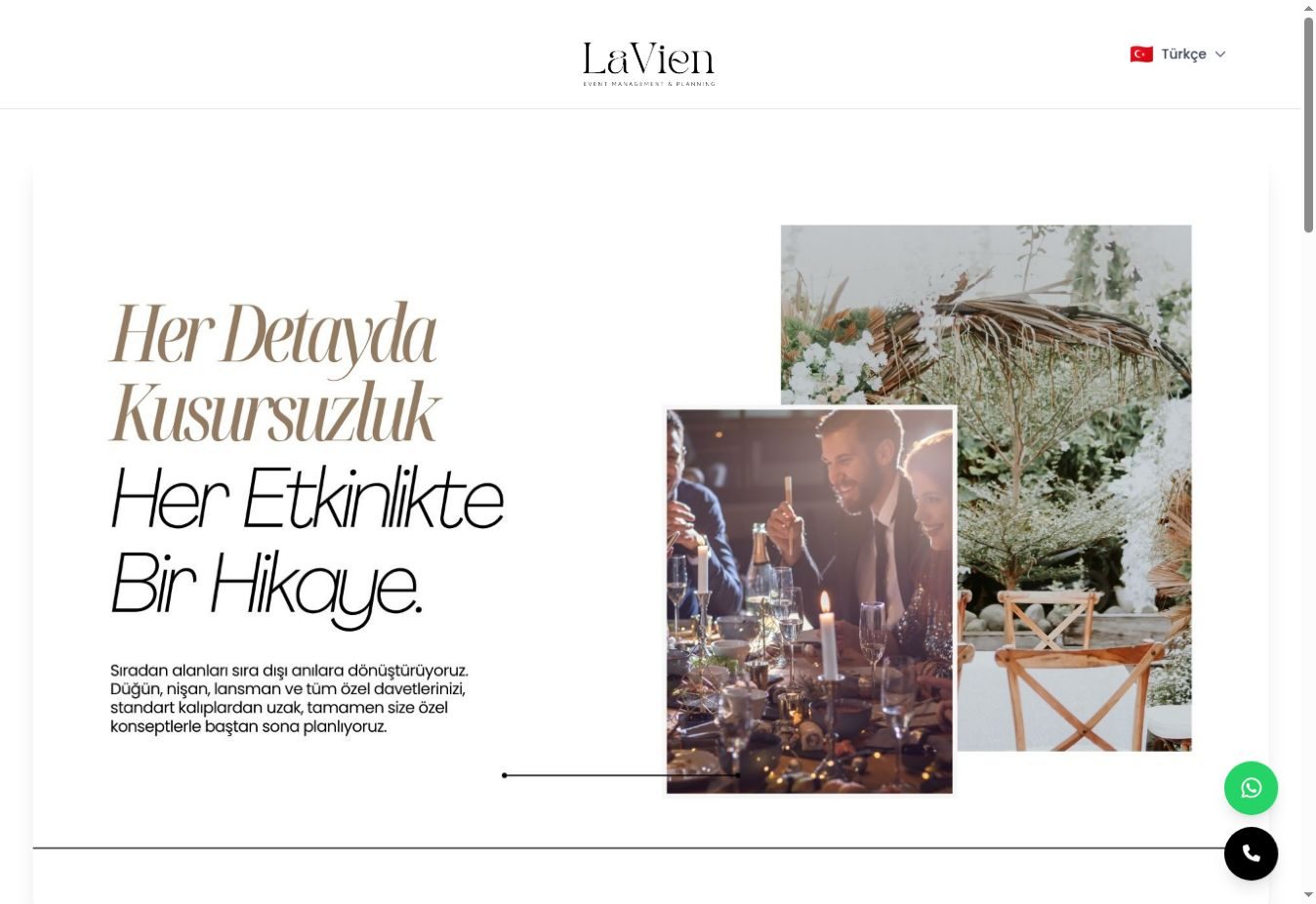
LaVien OrganizasyonEvent planning and invitation designsView catalog →Hayat CreativeDesign and brand communication workView catalog →Köroğlu PhotographyWedding and photo shoot portfolioView catalog →Print HousePrint and packaging productionView catalog →LaVien Event LocationVenues and event spacesView catalog →
Show it with photos Complete it with videos
Show your work from different angles; add the related video to the same item.
Photographer portfolio
Photo galleries
Share different angles of a product, pieces of a collection or details of a project. Your customer browses through the images.
Video links
Add YouTube and Vimeo links next to the related item: a product intro, a production stage, a shoot sample or an event video.
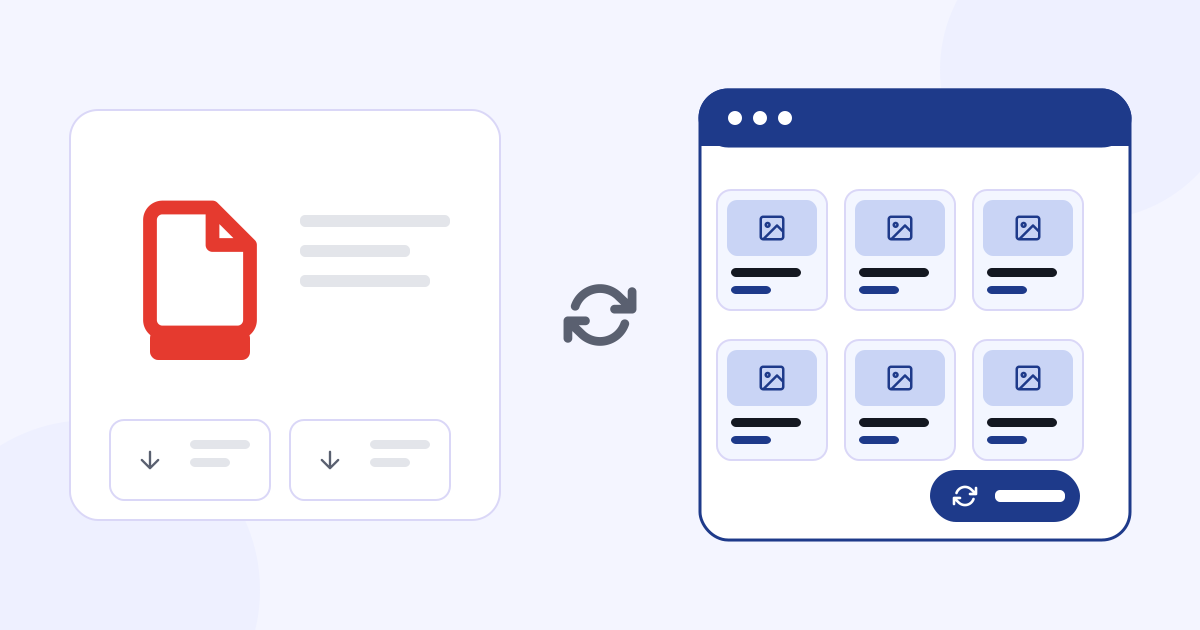
Let customers browse your PDF catalog page by page
Upload your existing PDF catalog. With the Flipbook feature, your customers can browse it in a page-turning view.
INTERIOR PORTFOLIOLiving spaces that come alive with color
A living room project
PORTFOLIOAPPROACHMake room for daylight
Light surfaces, natural light and vivid colors come together in one space.
LIGHT
A place to come together
The turquoise seating group is completed with light surfaces and coral accents.
SEATING AREA
MATERIAL & COLORCharacter in the detail
Woven fabric, glass and light-toned surfaces; each shows through its own texture.
TEXTURE
PROJECT OVERVIEWCohesion, from every angle
Light, color and material complete the same story.
Type
Interior concept
Focus
Light · Color · Texture
Space
Seating and relaxation
PROJECTOne space One wholeINTERIOR PORTFOLIO
Page 1 / 6
Share your PDF — a collection catalog, a service brochure or your work — together with your online content.
Show the price Hide it if you prefer
Use your online catalog for promotion, quote requests or orders.
Try the price and cart options.
Modular sofaMK-01€1,490Price on request
Request quote
Cart · 1 items€1,490Send as quote request
Nothing is sent and no payment is made in this demo.
From selections to a quote request
Customers make their selections; the chosen product or service, size, option and quantity reach you in a single quote request.
Selected product
Modular sofa · MK-01
Size
3 modules · 280 × 110 cm
Options
Bouclé · Mint
Quantity
1
Contact via WhatsApp
Let customers ask questions on WhatsApp about the product or service they are viewing. In conversations that start with the item’s name and code, see right away what they are interested in.
BYour brand online
Hello, I’d like to know more about Modular sofa. Product code: MK-01 14:32
Hello, thanks for your interest. We’ll send you the size, option and price details right away. 14:33
Thank you, I’ll wait. 14:34
Online payment
You can accept online payments from your customers by connecting your own payment service. For these sales you are the seller; CXR provides the existing technical infrastructure and integration support.
About the process
The payment service must accept and verify your business, and your business handles the application and contract steps. The available payment methods depend on your account and the transaction type. The Catalog subscription and the optional setup fee are paid to CXR; payments you receive from your customers are separate from that. The cancellation and refund terms for your sales to your customers are your own terms of sale.
A separate form for each type of work
Choose the questions you need for a shoot, event or production request.
Try the form fields
Make a field required or optional.
Shoot requestPhoto studio: shoot type and planned date are asked.
Full name
Shoot type
Planned date
Your message
Event requestVenue and event planning: event date, number of guests and service expectations are asked.
Full name
Event date
Number of guests
Service expectations
Quote requestStore and manufacturer: product, quantity, size and material come with the quote request.
Full name
Product
Quantity
Size
Material
Your online catalog, on your own domain
Connect your existing domain. Choose the dashboard language and the catalog language independently.
Dashboard language Your workspace
Publishing language What your customer sees
Your dashboard can be Turkish and your catalog German.
yourbrand.com DE
Your brandProdukteKontakt
Modulares SofaAngebot anfragen
Stein-CouchtischAngebot anfragen
Sample catalog view
Çalışma alanıYayınla
Ürünler
Kategoriler
Fiyat göster
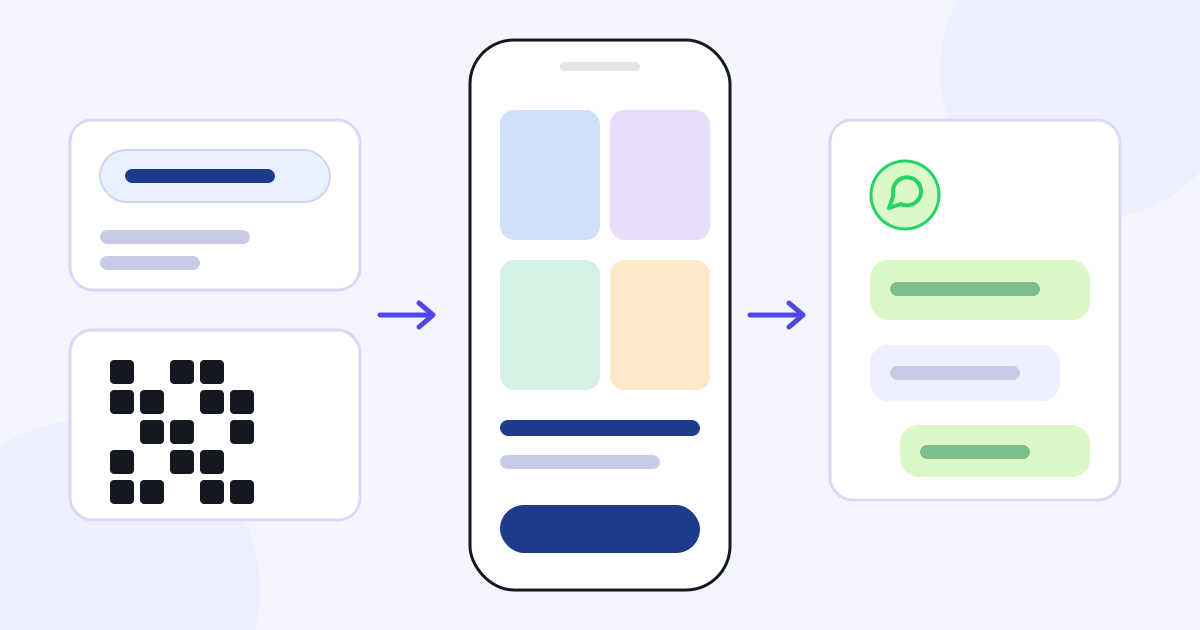
Send by link Share by QR code
Share your catalog on WhatsApp, on your social media accounts, on your website and in your printed materials.
Smart link
yourbrand.com/catalog
WhatsApp
Browse our catalog: yourbrand.com/catalog
Instagram
Catalog link in your bio
Printed QR
Business cards, brochures, paper bags
Use your QR code on business cards, brochures, paper bags and other printed materials. As long as your link address stays the same, you don’t need to reprint the QR code.
Get discovered in Google and AI search
Publish your products and services with clear headings, descriptions and images.
SEO and GEO support helps search engines and AI systems understand your catalog.
Google · ChatGPT · Claude · Gemini
Appearing and ranking in search results depends on the evaluation of the relevant systems.
CXR AIFor your customersBrand assistant
Your customer asks Your assistant answers
Set your assistant’s name, character and look to match your brand. It answers questions with your business information and points people to the relevant content and request form.
LinaSample packaging manufacturer
CustomerCan I have boxes made with my logo?
Lina · Brand assistantYes. Choose the box you want and send the quantity and size details through the quote form.
Access all CXR apps with one account. Pick an app from your account and start your 7-day free trial in that app.
Business information
Logo and colors
Content you have prepared
CXR AI brand memory
Used across all CXR apps
Linke · Catalog · Menux · Eventix · Momento · Selecto
Business information, Logo and colors, Content you have prepared → CXR AI brand memory → Used across all CXR apps: Linke, Catalog, Menux, Eventix, Momento, Selecto.
Shared information, logo, colors and the content you prepare make setup and content preparation easier across all apps.
The brand assistant answers your customers’ questions using the business, product and service information you share.
The apps run in your browser; use them on a computer or on mobile devices.
Update Track
Update content from your computer or phone; track incoming requests and visits from your dashboard.
Update from a computer or phone
Change a product, price, description or detail and save; the live catalog updates instantly.
Dashboard
Lead time5 workdays
Live catalog
Tech service · Lead time5 workdays
Saved · reflected in the catalog
Changes are made on this sample only.
Track your requests and orders
See incoming quote requests, form responses and orders in your dashboard. Review your customers’ selections and the information they share.
DashboardNew form response
Email notification notifications@yourbrand.com
Get notified at the email address you set for form responses.
The notification address can differ from your account email.
Review visits and clicks
Track views of your catalog and products, plus button and link clicks. With daily, weekly and monthly analytics, see which content gets attention and how it changes over time.
Analytics · Sample data
Selected period: Today · by hour
09
12
15
18
21
24
Selected period: This week · by day
Mon
Tue
Wed
Thu
Fri
Sat
Sun
Selected period: September · by week
1–7
8–14
15–21
22–30
Views Button and link clicks
What is Catalog?
Catalog is an app for businesses to create and share online catalogs. It lets you publish your products, services and work under your own brand.
Start with your own catalog
Create your categories, add your content and explore Catalog by using it for your business. No credit card required.
Paid yearly
monthly equivalent€1.25/ month
€15 per year in one payment €25 All Catalog features included
When you open your account, 100 free CXR AI credits are added. As long as you have an active trial or subscription in a CXR app, your balance is topped up to 20 credits every day. Share your credits across all CXR apps, the Catalog specialist and your brand assistant. Product subscriptions are separate.
Let our team build your catalog
If you like, leave the Catalog setup to our team.
From €140 + VAT
The setup service is optional and separate from the subscription fee. You can add it when you purchase your subscription or later.
Getting started is easy
01
Sign up for free.
Start your 7-day free Catalog trial with one CXR account.
02
Build your catalog.
Add your categories and content. Get help from the Catalog specialist.
03
Publish and share.
Publish your catalog under your own brand. Share your link and QR code with your customers.
Discover other CXR applications
Access the other apps with your single account. Each app is priced separately.
No. You can also publish your services, shoot options, projects and completed work. You can set the categories and detail fields to suit your business.
No. You can show or hide prices and turn the cart on or off. You can use your catalog for promotion, quote requests or orders.
Yes. You can use this area with your own heading, such as “Technical details”, “Service scope” or “Production options”, and write its text yourself.
Yes. You can group your content under main categories and subcategories and change their order.
You can add links to your videos on platforms such as YouTube and Vimeo and show them with the related item.
Yes. You can upload your PDF catalog and share it in a page-turning view with the Flipbook feature.
Price, description, image and other content updates you save are reflected in your published catalog instantly.
Yes. You can connect your catalog to your own domain and publish it at your brand’s address. You also choose your logo, colors and catalog look yourself.
No. You can use your dashboard in Turkish, German or English and choose the publishing language separately.
Your QR code does not change as long as your catalog’s link address stays the same. You don’t need to reprint your QR code when content is updated.
Both. The Catalog specialist helps you during setup and use. The brand assistant answers your customers’ questions and shares relevant links, drawing on the shared brand memory in your single CXR account — that is, the business, product and service information you share.
Yes. You can build your catalog yourself. The setup service is optional and separate from the subscription fee. You can add it when you purchase your subscription or later. Setup starts from €140 + VAT.
You start by filling in a short sign-up form. For 7 days you can try all Catalog features without restrictions. No credit card required. After the trial, you can choose yearly or monthly payment to keep using Catalog.
The Catalog subscription and the optional setup fee are paid to CXR. Before you buy, the relevant service provider and the available payment methods are shown; methods can vary by account and transaction type. The English-language service is provided by Visual Memory Works GmbH, and payments are processed through Stripe. No credit card is required for the 7-day free trial.
When you open your account, 100 free CXR AI credits are added. As long as you have an active trial or subscription in a CXR app, your balance is topped up to 20 credits every day. These credits are shared across all CXR apps, your Catalog specialist and your brand assistant. Credit usage rules and extra credit terms are explained separately before you use the relevant service.
Yes. You can access all CXR apps with your single account. Each app is priced according to its own subscription or usage plan; the other apps are not included in the Catalog subscription.
Cancelling stops renewal for the next period. You can send cancellation, withdrawal and refund requests through the Support section or at support@cxr.app; a refund must be requested separately. Provisions on your statutory rights are reserved; details are in the Subscription, Renewal, Cancellation and Refund Policy under Legal information. This applies to the Catalog subscription: the setup service is separate from the subscription, and the cancellation and refund of your own sales to your customers are governed by your own terms of sale.
Yes. Our satisfaction refund approach applies to all Linke, Catalog, Menux, Eventix, Momento and Selecto subscriptions. If you are not satisfied with your subscription, you can submit your refund request in the Support section or at support@cxr.app; refund requests due to dissatisfaction are accepted.
In Catalog you can accept online payments from your customers by connecting your own payment service. For these sales you are the seller; CXR provides the existing technical infrastructure and integration support. The payment service must accept and verify your business, and the available methods depend on the payment service, your account and the transaction type. The cancellation and refund of your sales to your customers are governed by your own terms of sale and are separate from the cancellation and refund of your CXR subscription.
Create and share your online catalog
Present your work in your own words. Let your customers review the details, make their choices and reach you.
 Reception area
 Table and floral design







 LaVien Organizasyon
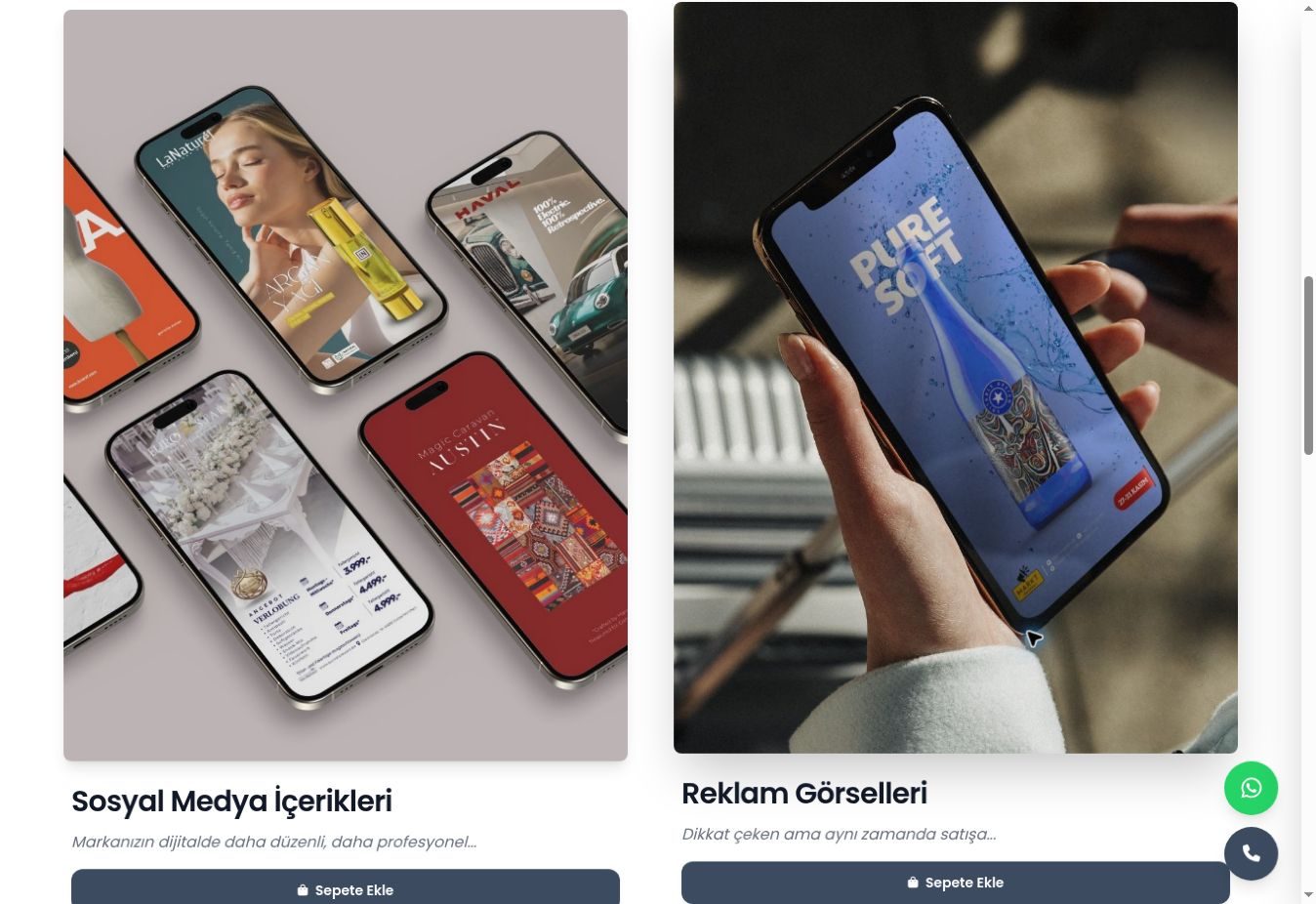 Hayat Creative
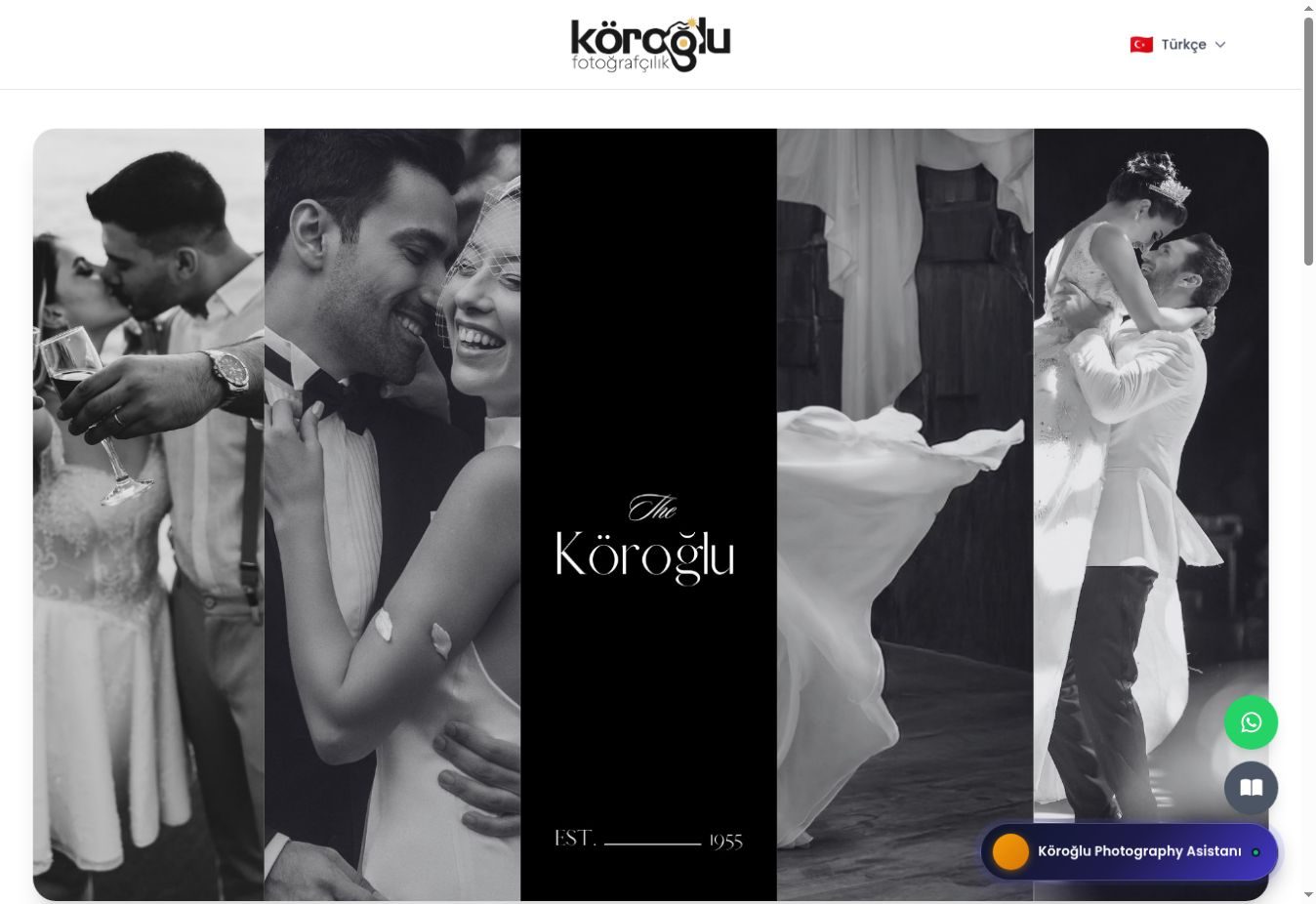 Köroğlu Photography
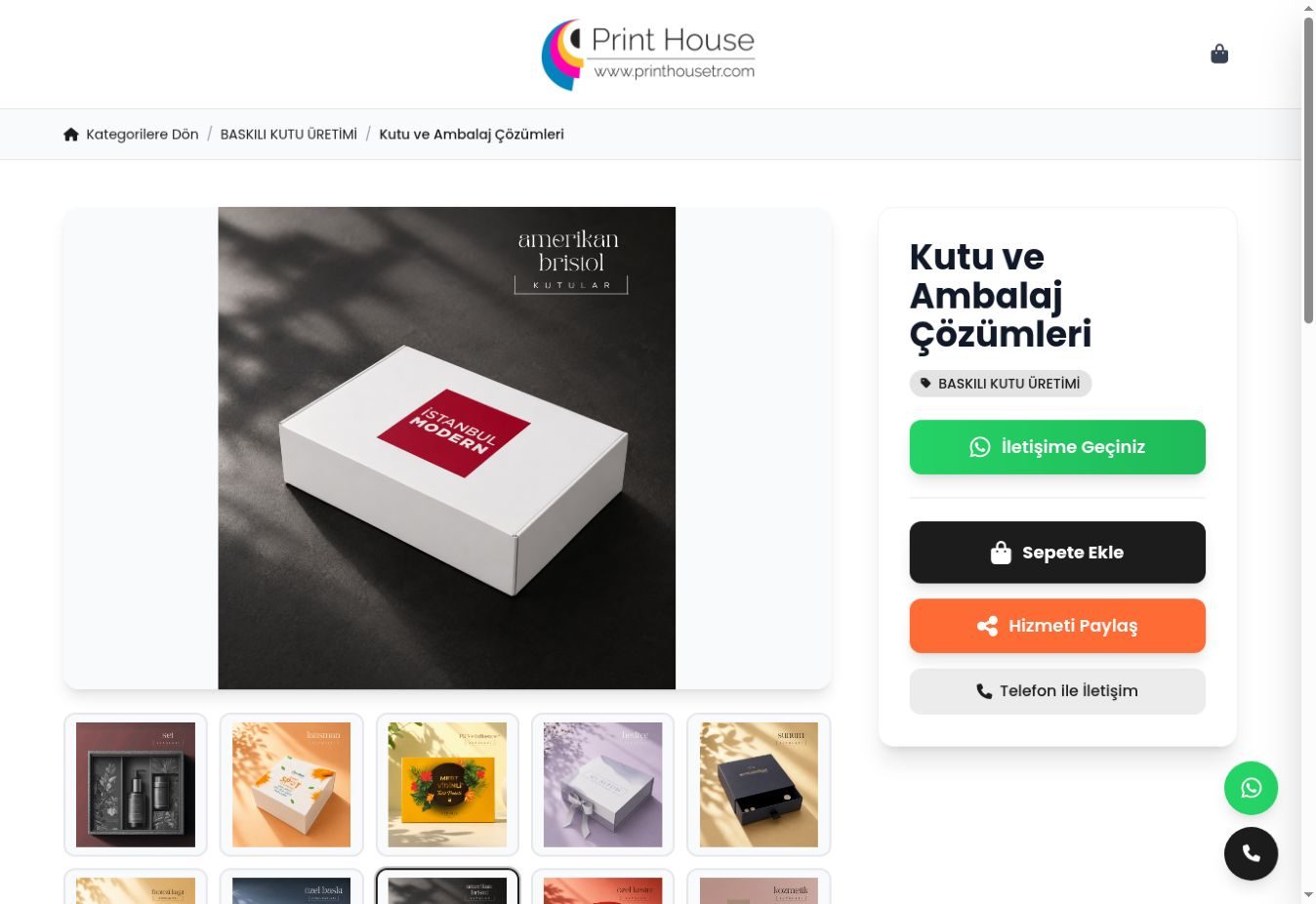 Print House
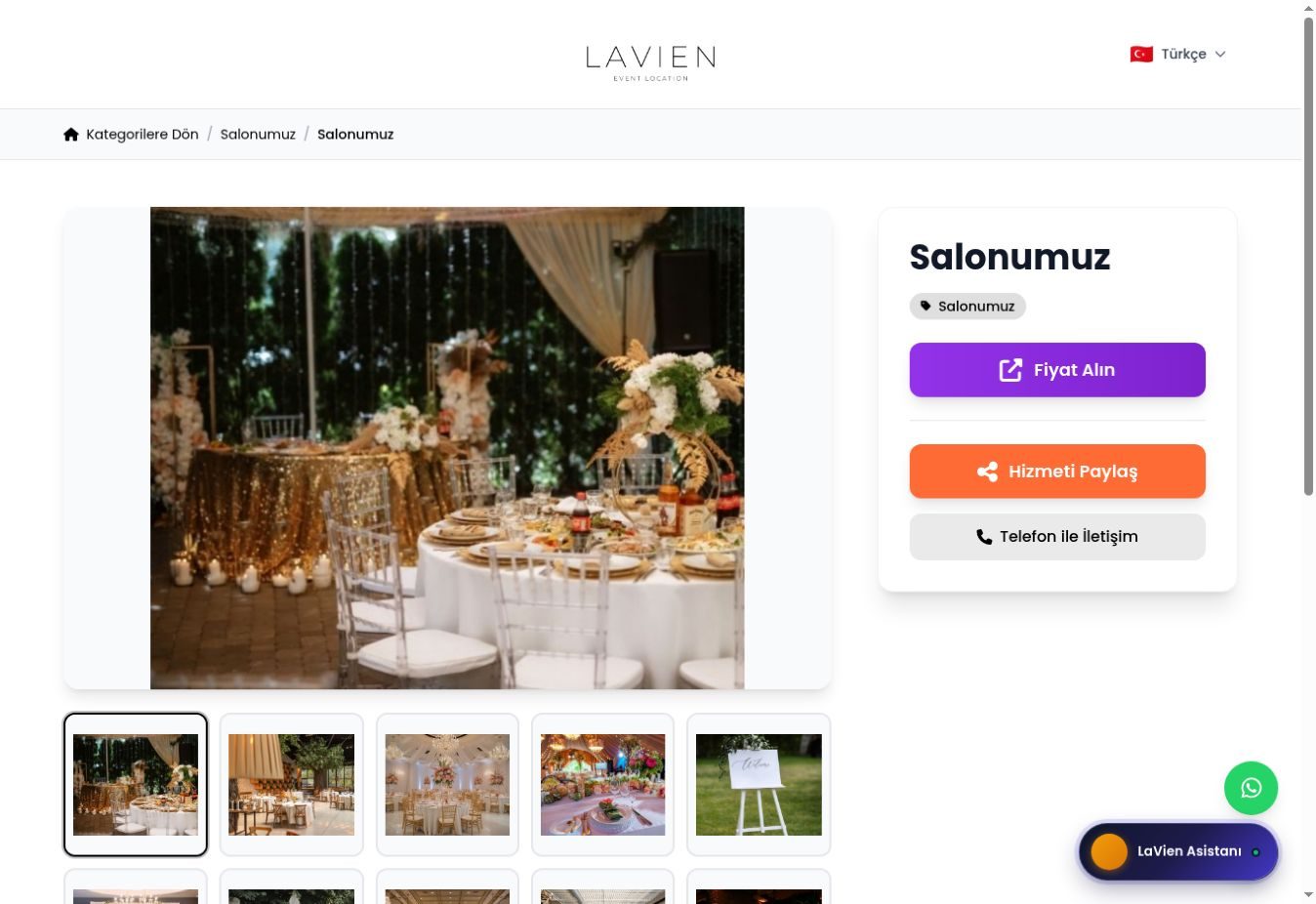 LaVien Event Location